Most websites don't crash and burn. They just slowly get slower, older, and less secure, until one day they stop bringing in business and nobody can say exactly when it happened.
Key takeaways
- Google found that 53% of mobile visits are abandoned when a page takes more than three seconds to load.
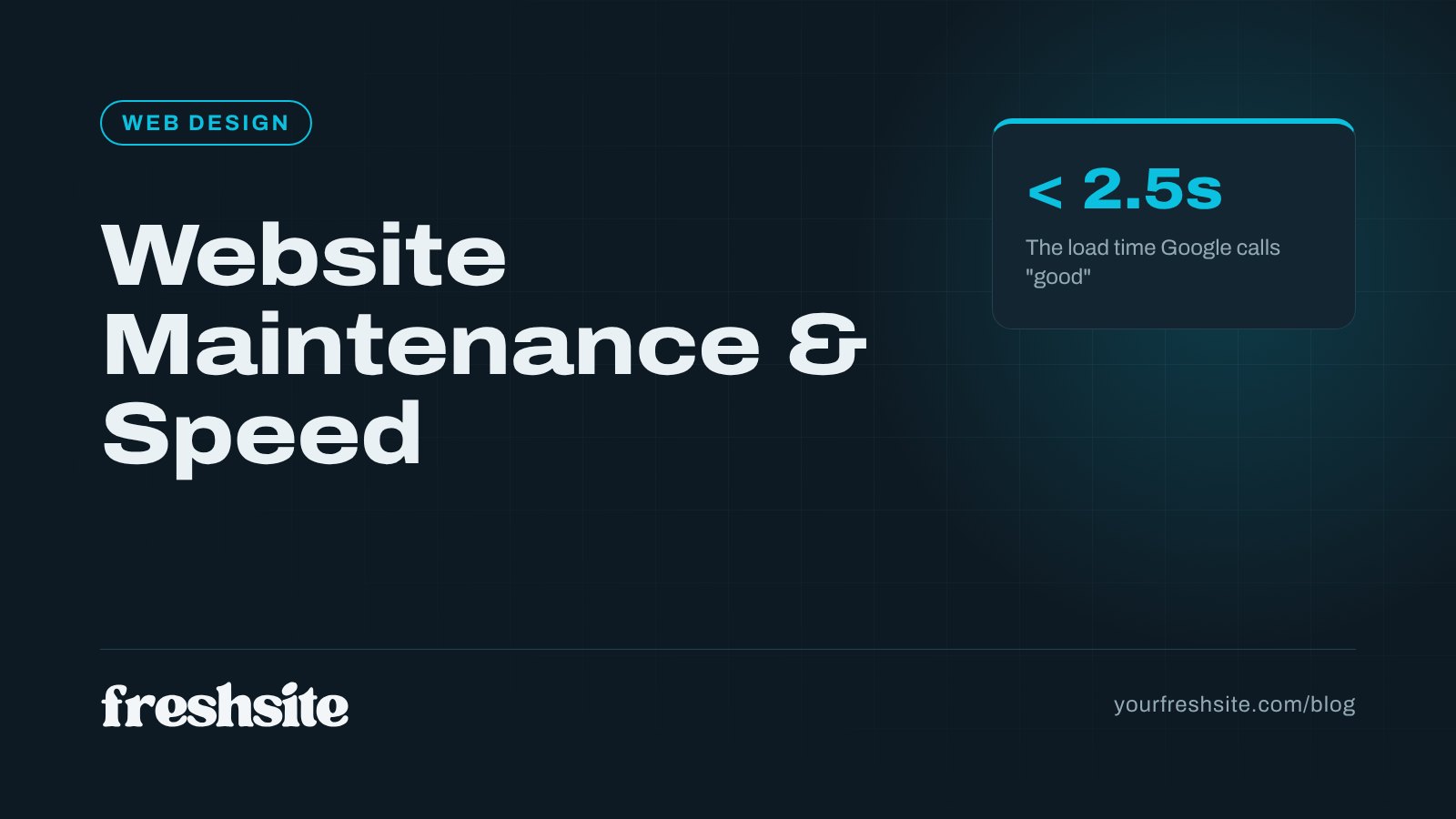
- Google's Core Web Vitals targets: LCP under 2.5 seconds, INP under 200 milliseconds, CLS under 0.1.
- Outdated plugins are the most common way small business sites get hacked.
- Good maintenance covers security updates, daily backups, uptime monitoring, speed checks, and content updates.
Why website speed matters so much
Your visitors are mostly on phones, often on cellular connections, and usually comparing you against two or three other options. If your page hangs, they hit the back button and tap the next result. Google's research found that 53% of mobile visits are abandoned when a page takes longer than three seconds to load.
Speed also shapes how Google ranks you. Since 2021, Google has used page experience signals, including a set of measurements called Core Web Vitals, as part of how it evaluates pages. A fast site doesn't guarantee top rankings, but a slow one gives every faster competitor an edge.
Core Web Vitals, in plain English
Google measures three things about how real visitors experience your pages. Each has a "good" threshold, measured across 75% of actual visits:
| Metric | What it measures | Good score |
|---|---|---|
| Largest Contentful Paint (LCP) | How long until the main content, often the hero image or headline, appears | 2.5 seconds or less |
| Interaction to Next Paint (INP) | How quickly the page responds when someone taps or clicks | 200 milliseconds or less |
| Cumulative Layout Shift (CLS) | How much the page jumps around while loading | 0.1 or less |
You can check your own scores for free by running your site through Google's PageSpeed Insights. If your mobile results are red or orange, your visitors are feeling it too.
What slows small business websites down
- Oversized images. A photo straight off a phone can be 5 MB or more. Compressed and properly sized, the same image might be 150 KB.
- Too many plugins and widgets. Every chat bubble, slider, popup, and tracking script adds weight and code that has to load.
- Heavy page builders and themes. Drag-and-drop tools are convenient, but they often load far more code than a page needs.
- Cheap shared hosting. A slow server delays everything before a single image starts loading.
- No caching or CDN. Without them, every visit rebuilds the page from scratch, often from a server hundreds of miles away.
The security side of maintenance
Small businesses often assume hackers aren't interested in them. In reality, most attacks are automated: bots constantly scan the web for known weaknesses and exploit whatever they find, regardless of who owns the site.
WordPress powers a huge share of small business websites, and its plugin ecosystem is the biggest risk. Patchstack's 2026 report counted 11,334 new vulnerabilities in the WordPress ecosystem during 2025, a 42% jump from the prior year, with 91% of them found in plugins. Nearly half had no patch available when they were disclosed.
The consequences of falling behind range from annoying to serious: spam links injected into your pages, visitors redirected to scam sites, Google warnings in search results, or a site that simply goes offline.
What website maintenance should include
Whether you handle it yourself, hire a freelancer, or use a managed plan, make sure these are covered:
- Security updates for your platform, theme, and plugins, applied promptly.
- Daily backups stored off-site, with a tested way to restore them.
- SSL certificate monitoring and renewal, so visitors never see a "Not secure" warning.
- Uptime monitoring that alerts someone when the site goes down.
- Speed checks after any major change, plus image optimization as new content goes up.
- Broken link and form tests, because a contact form that silently stopped sending email is a lead leak you'll never notice.
- Content updates for hours, team members, services, and pricing, at least quarterly.
Quick speed wins for small business sites
- Resize and compress images before uploading, and use modern formats like WebP.
- Remove unused plugins and scripts, especially old chat widgets, sliders, and tracking codes.
- Limit custom fonts to one or two families.
- Use good hosting with caching and a content delivery network.
- Test regularly with Google PageSpeed Insights, and fix the biggest issues first.
What neglect actually costs
An unmaintained website rarely fails all at once. It slows down a little each year as plugins pile up. A contact form quietly stops sending emails. An outdated plugin opens a security hole. Then one day the site is hacked, flagged by Google as unsafe, or simply down, and every day it stays that way costs leads.
Cleaning up a hacked site or rebuilding from a lost backup can cost far more than years of routine maintenance. Regular updates, monitored backups, uptime alerts, and a monthly check of your forms are cheap insurance. Whether you handle it yourself or hire someone, put it on a schedule and make sure someone owns it.
DIY maintenance vs. a managed website
If you're comfortable with technology and disciplined about checking in every week, you can maintain a simple site yourself. Most business owners aren't, and that's reasonable. You didn't start a law firm, a clinic, or a trucking company to babysit plugins.
A managed website takes the whole list off your plate. With FreshSite, every plan includes hosting, SSL, daily backups, security updates, and maintenance, and our sites are custom-coded without a pile of third-party plugins, which keeps them fast and shrinks the attack surface from the start. If you're curious how your current site performs, send us the link and we'll take a look.
Frequently asked questions
How fast should a small business website load?
Aim for your main content to appear in under 2.5 seconds on a phone. That is Google's 'good' threshold for Largest Contentful Paint, one of the three Core Web Vitals. Pages that take longer than three seconds lose a large share of mobile visitors before they ever see your offer.
How often does a website need maintenance?
Security updates should be applied as soon as they're released, which for WordPress sites can mean weekly. Backups should run daily. Content, such as hours, staff, services, and pricing, should be reviewed at least quarterly, and a broader performance check is worth doing every few months.
Does website speed affect Google rankings?
Yes. Page experience, including Core Web Vitals, is part of how Google evaluates pages. Speed is rarely the only reason a site ranks or doesn't, but a slow site is at a disadvantage against a fast competitor with similar content, and it converts fewer of the visitors it does get.
What happens if I don't maintain my website?
Unmaintained sites slow down, break after browser or plugin changes, and become security risks. An expired SSL certificate triggers browser warnings that scare visitors away, and an outdated plugin can let attackers inject spam or malware, which can get your site flagged or removed from search results.